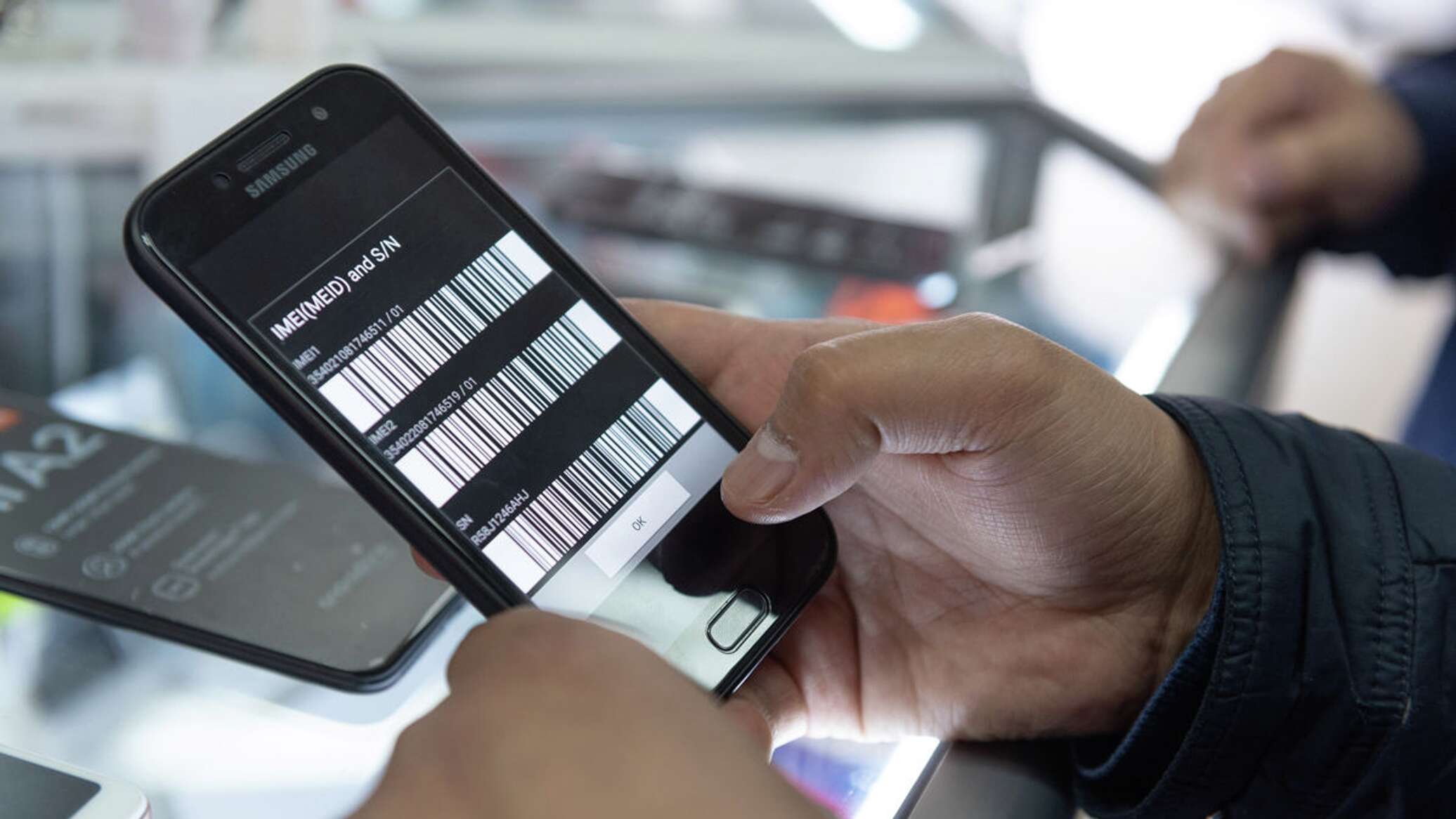
From October 9, individuals can verify subscriber devices only through the digital government portal and the eGov Mobile application. This was reported by Qazaqyia.kz citing Sputnik Kazakhstan.
Previously, to undergo verification, citizens had to independently apply to other digital resources, obtain additional documents, and upload them to the system when submitting an application. This was reported by National Information Technologies JSC.
How to verify a phone via eGov?
To verify a phone, several simple steps must be followed:
- 01log in to the eGov Mobile application in a convenient way;
- 02on the main page, in the "Popular Services" section, select the "Application for IMEI verification" service;
- 03respond to the SMS message sent from the short number 1414 to consent to or refuse the collection and processing of personal data;
- 04undergo biometric identification via the eGov (Digital ID) service to complete registration.
After granting access to the data, it is necessary to familiarize yourself with the terms of use of the system. To do this, you need to read the provisions of the document "Agreement on connection to the system", available via the corresponding link, and check the box confirming that you have read and accepted the terms of the agreement. Then you need to select the required application options.
According to National Information Technologies JSC, the updated procedure for phone verification requires the applicant to undergo mandatory biometric identification. Also, after technical work was completed and additional security measures were introduced, verification of iPhone 18 smartphones for individuals has resumed.